Introduction
A technical buyer doesn't browse your website the way a retail shopper does. They're testing whether your claims hold up, whether your architecture fits their stack, and whether recommending you puts their internal credibility at risk.
Most B2B technical sites fail in one of two directions. Either they flatten a complex offering into vague marketing language ("innovative," "next-generation"), or they bury visitors in specifications with no business context. Neither approach answers the buyer's real question: is this relevant to my problem, and can I trust it?
A 2025 Gartner survey found 61% of B2B buyers prefer a seller-free purchase experience. Your website has to do the convincing work usually left to a sales rep.
This article covers four things:
- Aligning your site with how technical buyers evaluate
- Structuring content around their journey
- Making evidence verifiable
- Building conversion paths for every stakeholder involved
Key Takeaways
- Technical buyers need what a solution does and why it matters commercially, operationally, and technically.
- Content organised around buyer questions, use cases, and industries beats internal department labels.
- Layered pages give executives fast context and still hand engineers full specifications.
- Performance, accessibility, and trust signals belong in core design—not as launch-day afterthoughts.
Understand Technical Buyers and Define the Website Strategy
Technical B2B purchases rarely involve one decision-maker. Multiple technical evaluators, executives, operations leads, procurement, and compliance teams typically weigh in before a deal closes, and each group asks a different question.
Map the buying group
| Stakeholder | Core question they're asking |
|---|---|
| Technical evaluators | Does it integrate, scale, and hold up under real conditions? |
| Founders/executives | Does it move a business metric that matters to them? |
| Operations teams | What changes in day-to-day work? |
| Procurement/finance | What's the real total cost of ownership? |
| Compliance | Can I defend this decision internally? |
Design pages that let each of these people get what they need without wading through content meant for someone else.
Use real buyer language, not internal assumptions
Internal teams tend to describe a product the way they built it, not the way customers search for it. Pull language from customer interviews, sales call recordings, support tickets, and win/loss reviews. If your sales team keeps fielding the same objection about integration effort, treat it as a content gap on the site.
Match content to where the buyer stands
- Early stage: problem framing, category education, "why this matters" content
- Consideration stage: use cases, comparisons, architecture diagrams, specifications, implementation detail
- Decision stage: pricing context, security documentation, support structure, procurement requirements
Write a value proposition that can be tested
Use a simple structure:
- What you provide
- For whom
- What outcome it enables
Avoid claims you can't back with data. Distinguish what's proven from what's aspirational.
For a climate or deep-tech company, this often means rewriting a headline built around a technology name. "Our electrolyser uses proprietary membrane technology" tells a visitor nothing about the problem it solves.
Reframe it around the operational or financial outcome, such as faster hydrogen production at lower per-kilogram cost. That gives engineers and CFOs a reason to keep reading, without inventing performance numbers you haven't validated.
Technical language shouldn't disappear entirely. Used selectively, it helps qualified buyers self-identify. Define specialised terms and acronyms the first time you use them, and tie every capability back to a business outcome.
Build Information Architecture Around Buyer Questions
Technical buyers do most of their research before they ever speak to your team. GlobalSpec's 2025 survey of over 1,000 engineers found 73% used supplier websites directly to research work purchases, on par with trade publications. If the information isn't on your site, you're asking buyers to wait, or to look elsewhere.
Structure the sitemap around buyer needs, not org charts
Avoid navigation built around internal structure. "Our Technology," "Our Platform," and "Our Capabilities" describe your org chart, not what a buyer searches for. Build around:
- Solutions, organised by problem or outcome
- Use cases and industries
- A technical resource centre
- Case studies
- Security and compliance information
- A clear path to contact or consultation
Layer every product or solution page
- Plain-language summary of what it does and who it's for.
- Technical depth for evaluators: workflow, architecture, integrations, compatibility, specifications, limitations.
- Self-serve resources: downloadable documentation, FAQs, glossary content, without hiding critical details behind a form.
For every major capability, answer five things:
- What it does
- Which problem it solves
- Who benefits
- What conditions apply
- How a buyer can verify the claim
Make evidence credible
Vague proof erodes trust faster than no proof at all. Strong evidence includes:
- Transparent methodology
- Customer examples with real context, not just logos
- Stated test conditions
- A clear line between current capability, roadmap items, and estimated potential
Carbon-ratings platform Sylvera illustrates this well. Its ratings pages lay out the exact dimensions it evaluates (carbon accounting, additionality, permanence, and co-benefits) and link to a white paper explaining the methodology, rather than simply asserting quality.

Address objections before they're asked
Technical buyers carry predictable objections. Build content that addresses each one before the sales call:
- Integration effort and interoperability
- Data quality and reliability
- Scalability and deployment requirements
- Maintenance, security, and compliance
- Total cost of ownership
Before publishing, run technical content past subject-matter experts, customer-facing teams, and a few real buyers. Content that's accurate but confusing fails just as often as content that's simple but wrong.
Design the Experience for Evaluation, Trust, and Conversion
Good navigation should help a visitor answer four questions in order:
- Is this relevant to me?
- Can it work in my environment?
- Can I trust this organisation?
- What should I do next? If that takes more than a couple of clicks, you'll lose buyers who have a dozen other suppliers' sites open in other tabs.
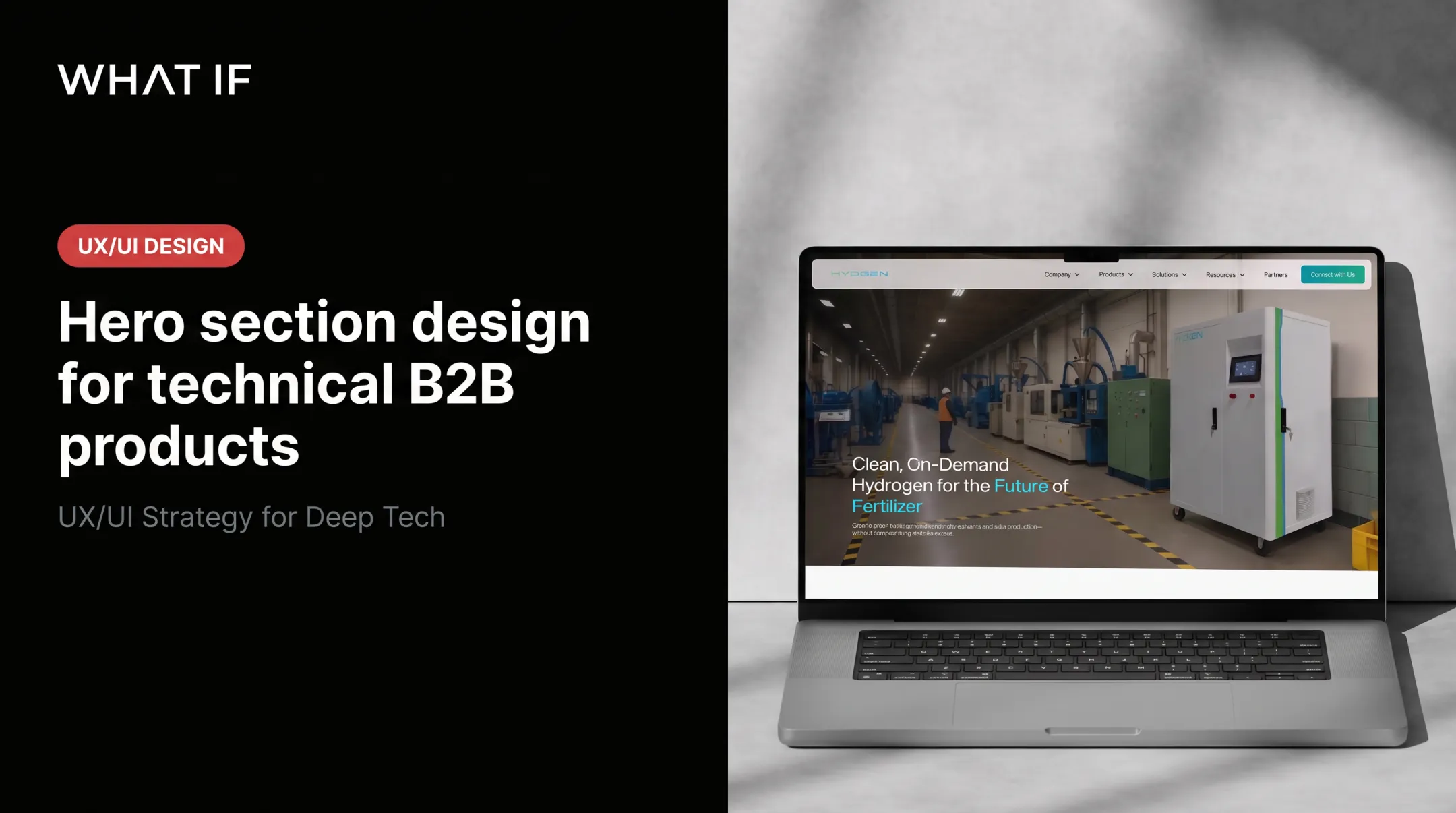
Build a homepage that does real work
A homepage for technical buyers should do real evaluation work above the fold:
- Make the audience and problem clear immediately
- State the primary value proposition
- Show the main solution paths
- Surface relevant proof Offer more than one next step only after that foundation is clear, matched to different readiness levels.
Offer role-appropriate next steps
Not every visitor is ready for "Contact us." Match options to where they stand:
- View technical documentation
- Compare approaches or configurations
- Request a technical consultation
- Book a demonstration
- Ask an implementation question
Reduce friction at the point of conversion
Ask only for information needed at that stage, and state clearly what happens after submission.
- Mark every required field (not only the optional ones) to cut submission errors
- Route technical questions to someone who can answer them accurately
- Avoid dumping enquiries into a generic inbox
Keep dense information scannable
Technical buyers need a lot of detail, but that doesn't mean cramming it onto one screen. Prioritise:
- Strong visual hierarchy
- Meaningful diagrams over decorative graphics
- Clear labels
- Restrained motion
- Sufficient contrast
Use case studies as evidence, not praise
A logo wall tells a buyer nothing. A strong case study walks through:
- The customer's original problem
- Evaluation criteria and implementation context
- The solution chosen and the evidence that convinced them
- Trade-offs accepted and the outcome
Test the experience with real buyers
Run usability sessions with technical and non-technical stakeholders. Ask them to find a specification or locate proof. Those sessions surface gaps no internal review ever catches.
Improve Technical Performance, Accessibility, and Trust Signals
Performance, accessibility, and trust aren't finishing touches. They shape whether a buyer trusts the rest of what you're telling them.
Performance: Google's current Core Web Vitals thresholds set good performance at an LCP of 2.5 seconds or less, an INP of 200 milliseconds or less, and a CLS of 0.1 or less, measured at the 75th percentile of real users.

Optimise images and diagrams, trim unnecessary scripts, use caching, and test key pages on mobile and slower connections.
Accessibility: Build around the POUR framework: perceivable, operable, understandable, and robust. In practice: keyboard navigation, semantic headings, descriptive link text, sufficient colour contrast, captions for video, meaningful alt text, and accessible charts and tables. Tools like WAVE and the WebAIM Contrast Checker catch most issues before launch.
Search visibility: Write descriptive page titles, structure headings around how buyers actually search, link internally between related technical content, and use schema where it's genuinely useful. Don't force keywords into technical copy. Specificity ranks better than repetition.
Trust signals worth building:
- Named experts behind your claims
- Transparent company information
- Security and compliance documentation
- Visible update dates on technical resources
What damages trust fastest:
- Unsupported environmental claims
- Stock imagery that misrepresents the actual product
- Performance numbers with no methodology attached
- Documentation links that lead nowhere
Even a third-party certification doesn't remove the obligation to substantiate a claim. That warning matters for any climate or deep-tech company tempted to round up.
Implement, Measure, and Continuously Improve the Website
Don't wait for a "perfect" full site. Launch a prioritised minimum viable version covering your highest-value buyer journeys, core solution pages, essential proof, and conversion paths, then improve it based on how people actually use it.
Measure what actually matters
Build a framework before launch, covering:
- Discoverability: clicks, impressions, and average position by query and page
- Engagement: time on page, depth, and interaction with key content
- Lead quality: distinct events for submitted, qualified, and converted leads, so a form fill isn't mistaken for a customer
- Technical performance: Core Web Vitals tracked over time
- Sales influence: whether sales reports buyers arriving better informed
Find what's missing
Search queries on your own site, support tickets, sales feedback, and structured usability tests all point to gaps faster than guessing. If buyers keep searching your site for "integration" and landing on nothing useful, that's your next page.
Test with a hypothesis, not a hunch
Run an ongoing testing programme on high-impact elements: value propositions, page structure, technical diagrams, CTA wording, form length. Each test should start from a specific buyer or business hypothesis.

This is where a lot of climate and deep-tech teams get stuck: the science is ready, but translating it into a buyer journey is a hard brief to write.
What if Design focuses on that translation, turning complex hard-tech and climate science into websites technical evaluators, executives, and investors can use to decide. The team has worked with climate ventures backed by the US Department of Energy and ARPA-E, and has helped clients raise more than $45M through the pitches and websites it has designed.
The strongest B2B websites for technical buyers share four traits:
- Complex products become understandable
- Evidence is easy to verify
- Evaluation takes less effort
- Next actions stay obvious
Everything else is detail.
Frequently Asked Questions
What are the five elements of good website design?
Clarity of purpose, audience-centred content, intuitive navigation, accessible and responsive UX, and a clear path to action. For technical B2B buyers, navigation needs to support deep research, and the "path to action" should offer more than one option.
What is a B2B website?
A B2B website serves business buyers rather than individual consumers, supporting longer evaluation journeys involving multiple stakeholders. Unlike a B2C site built for quick purchases, it needs deeper information and relationship-led conversion paths.
How should a B2B website be designed for technical buyers?
Layer technical content so executives get fast context while engineers reach full specifications and documentation. Pair this with role-based conversion paths suited to different stages of evaluation, from early research through to procurement.
What technical content should a B2B website include?
Use cases, product or system explanations, specifications, integration details, security and compliance documentation, implementation requirements, FAQs, and credible case studies with real evaluation context.
How can I measure whether my B2B website is effective?
Track qualified enquiries rather than just form fills, engagement with high-intent content, technical performance, search visibility, and usability feedback. The clearest signal is whether sales reports buyers arriving at conversations already better informed.